 FULL HEIGHT TURNSTILESGet a quote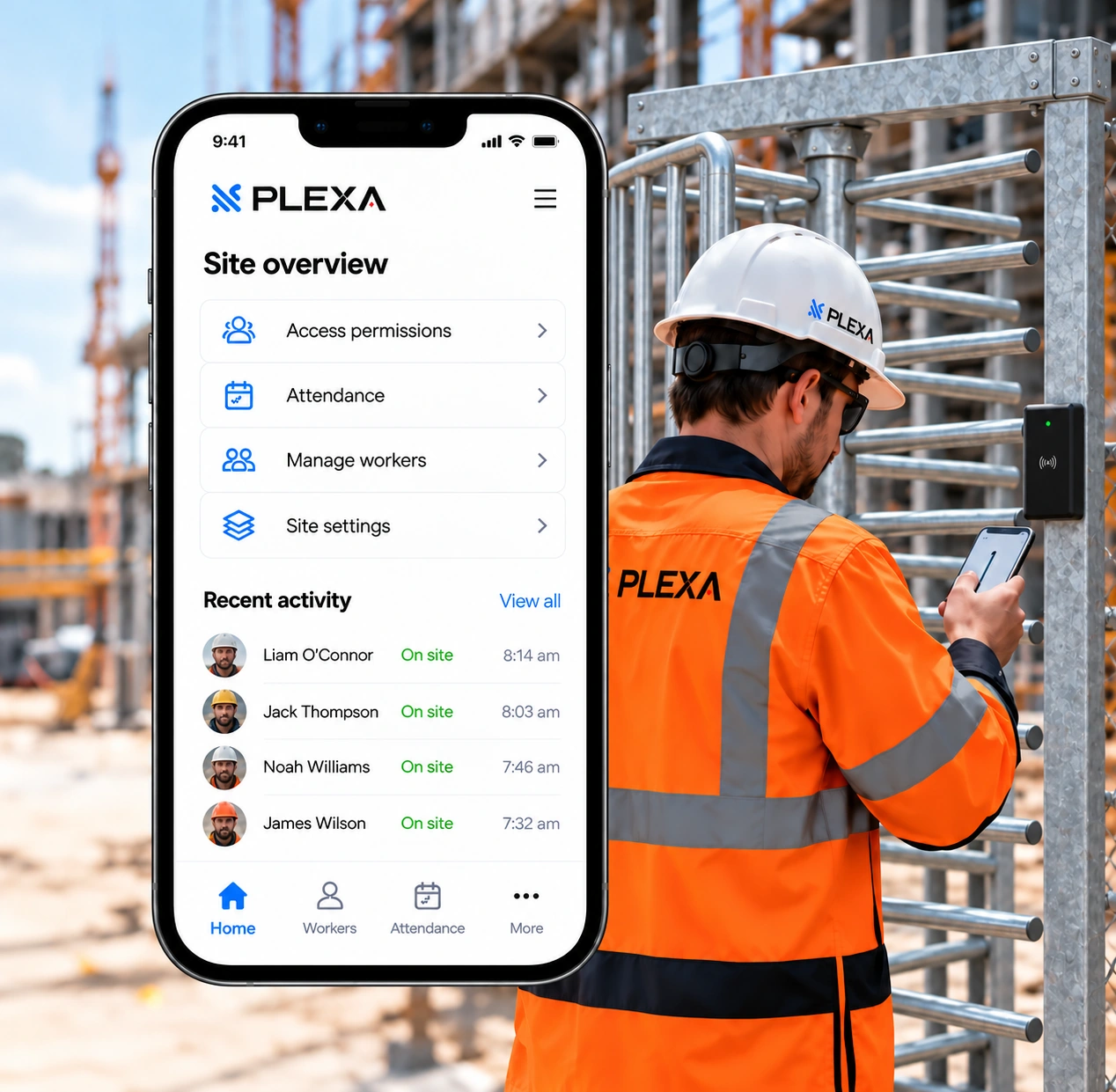
The intelligence
behind your
entrance.
Construction access control, worker
permissions and site attendance.
One system. Two sides of the gate.
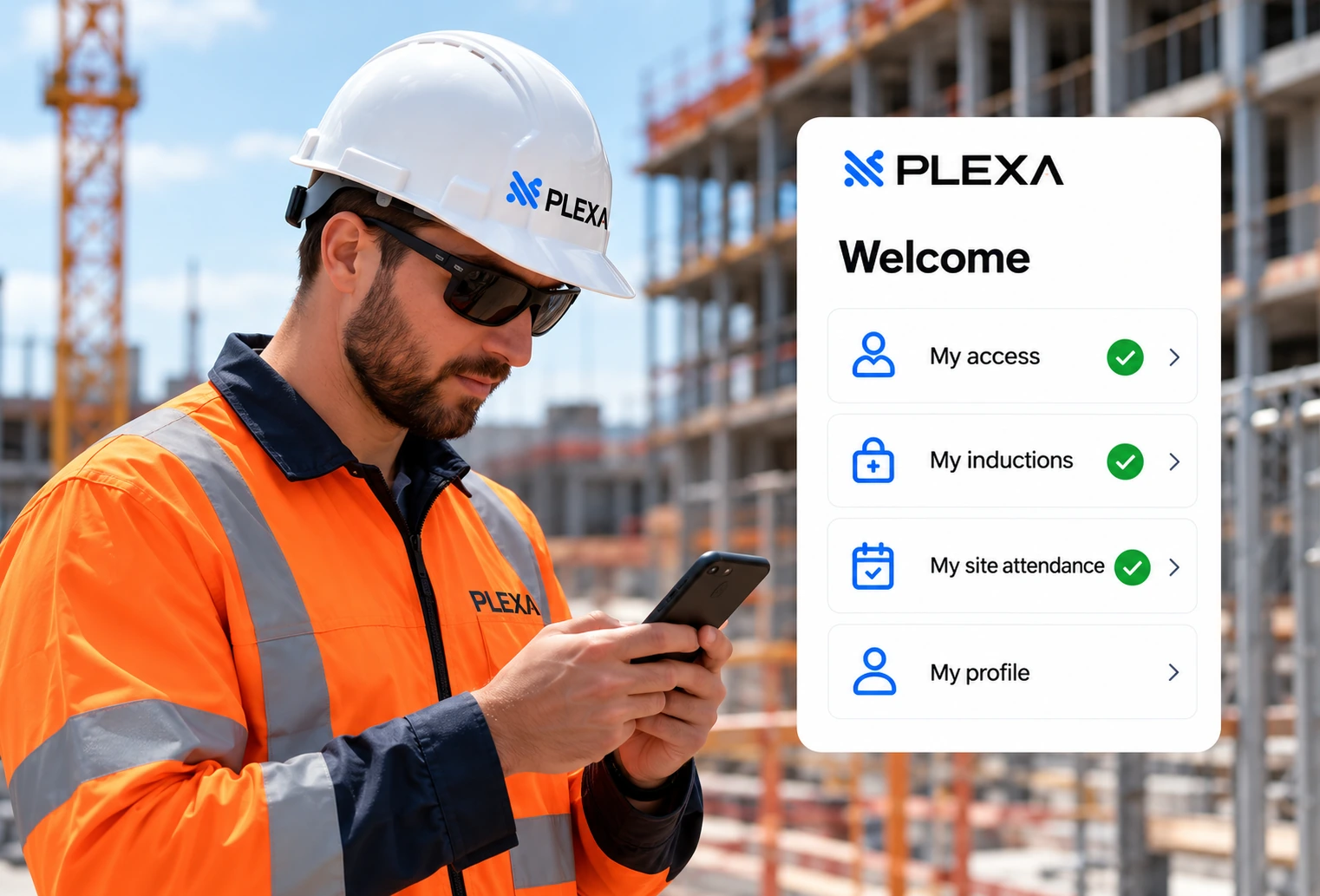
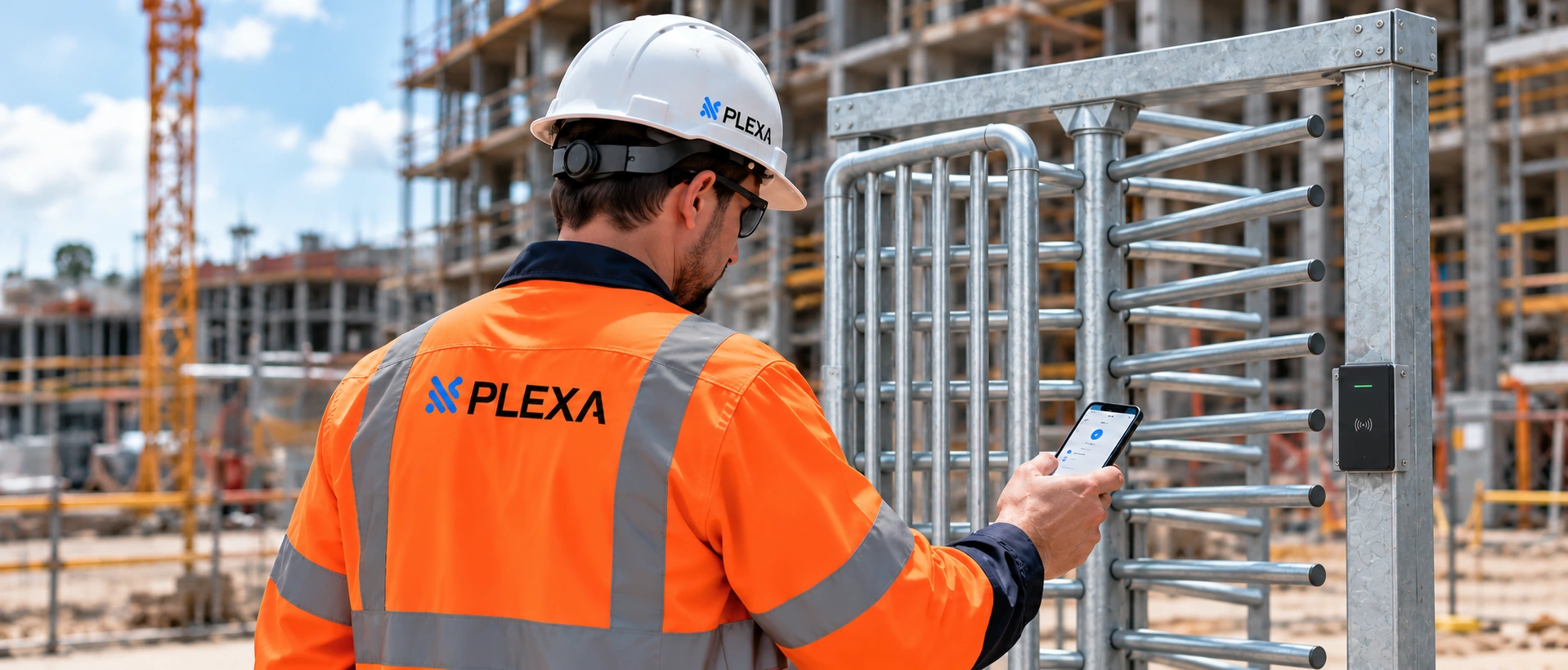
For workers
A clear path from registration to site access.
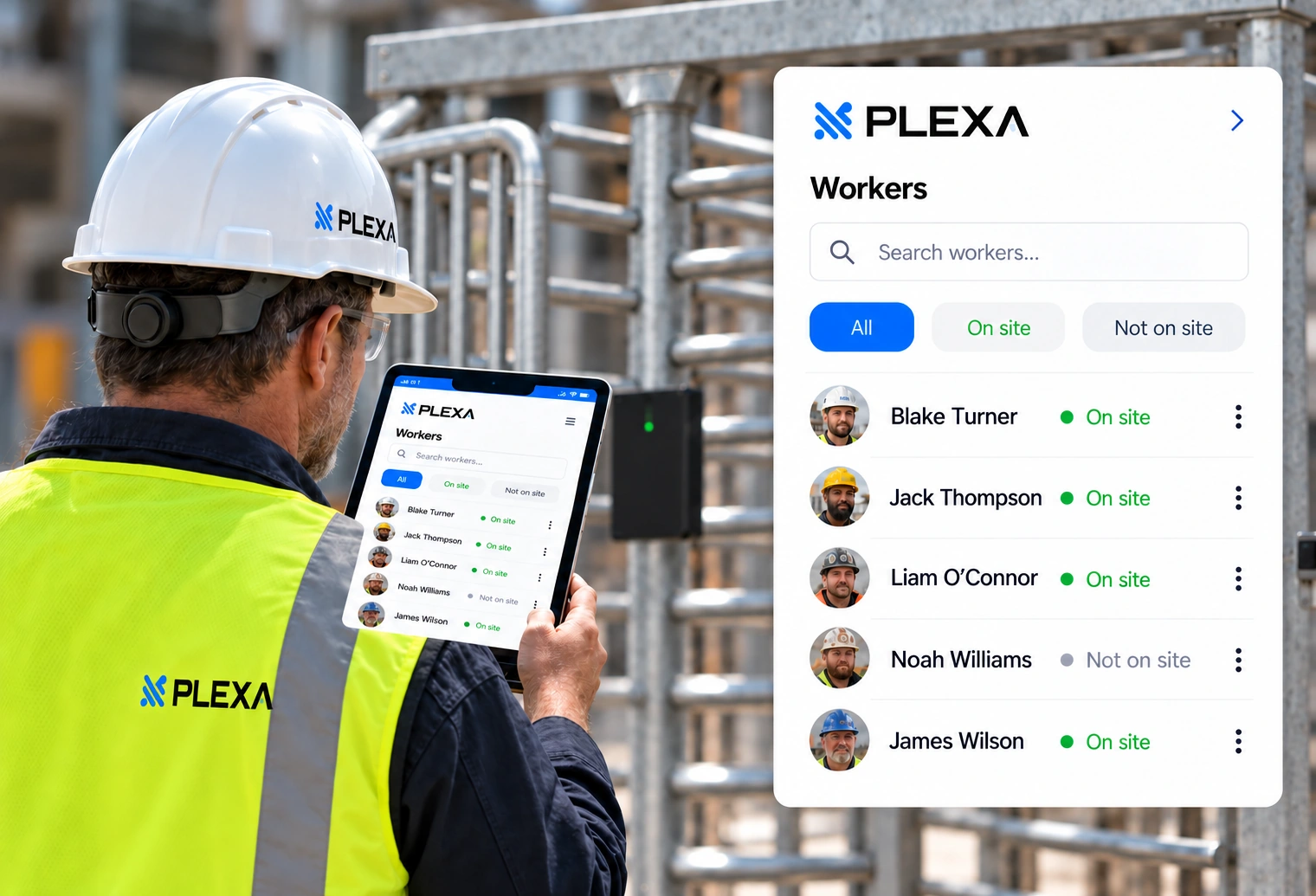
For site managers
Manage permissions and review site attendance.
From registration to entry.
Proposed workflow — confirm against your PLEXA setup.
1. Register
Workers complete online
registration and induction.2. Review
Site managers review
and verify information.3. Authorise
Grant site access
permissions.4. Enter
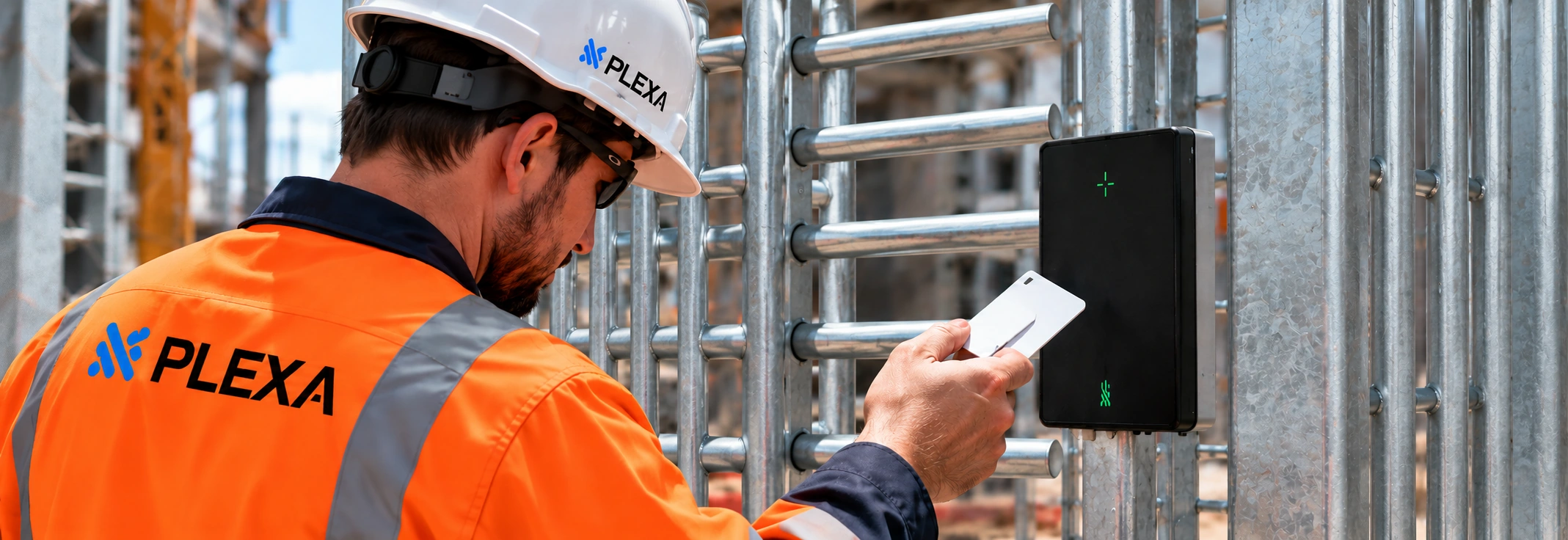
Worker uses their credential
at the turnstile.
Manage access
from the app.
Control permissions, view attendance
and keep your site moving.
Worker profiles
View and manage worker details,
credentials and induction status.
Site permissions
Assign access to specific sites
and time periods.
Induction status
Track induction completion
and expiry dates.
Attendance records
View site attendance in real time
and historical records.
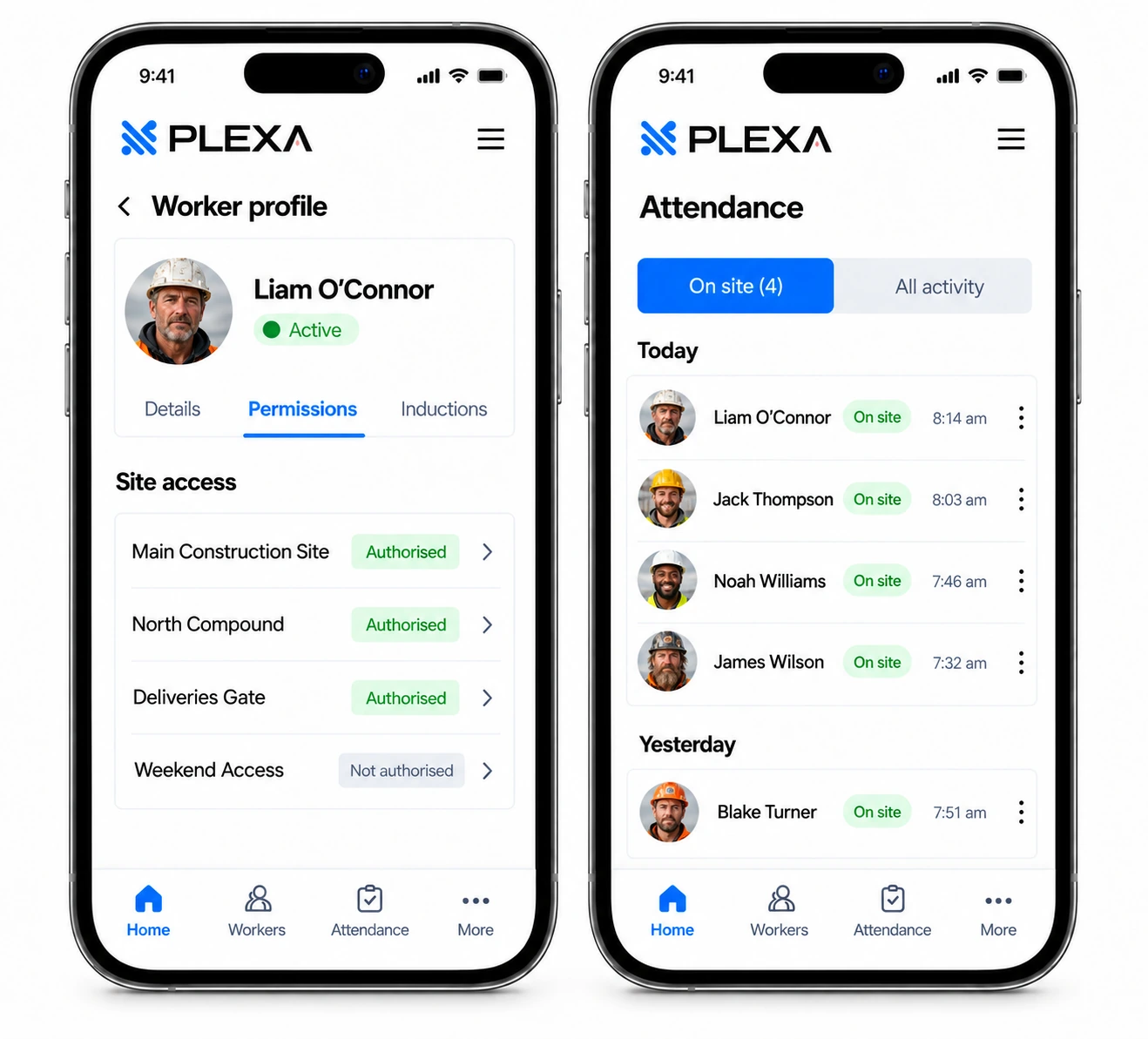
A clearer picture
of who is on site.
Manage access permissions and view site
attendance with PLEXA, giving you a clear
record of entries and exits.
Connected to the gate.
Scoped for your site.
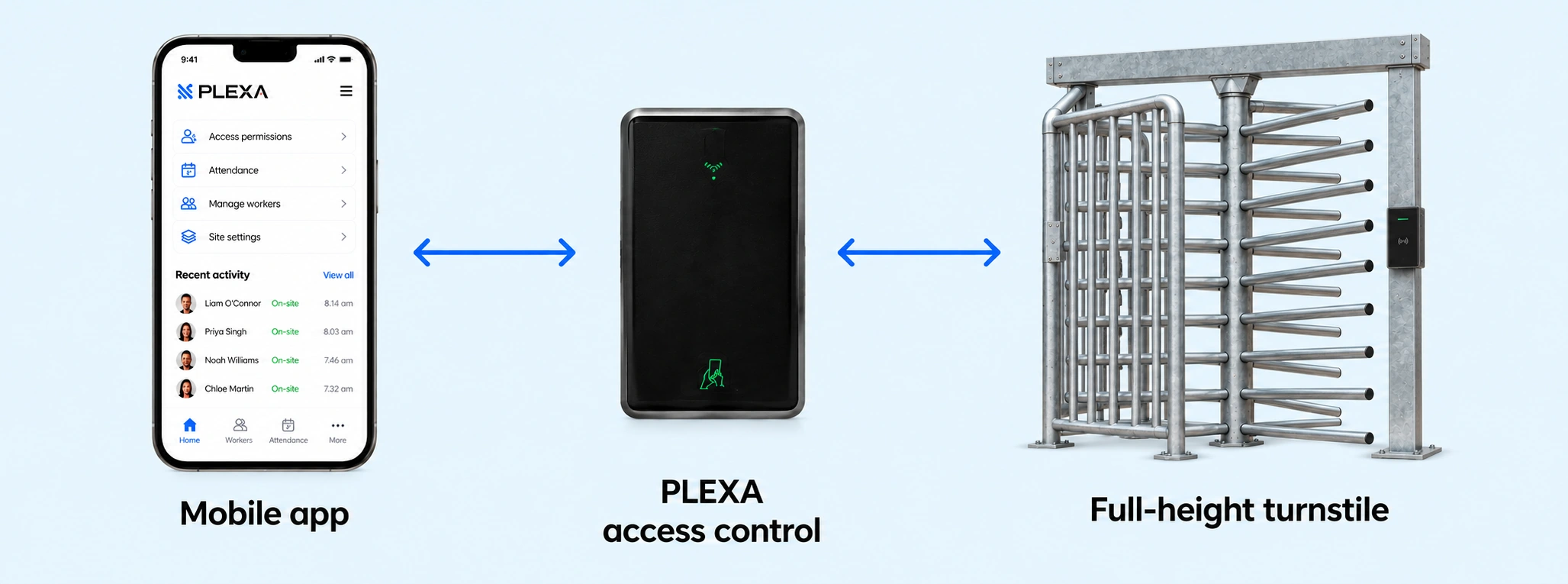
The mobile app works with PLEXA access control
and full-height turnstiles. Reader, connectivity and
integration requirements are confirmed during scoping.
See the complete
entrance.
Full-height turnstiles, access control and the
mobile app. One integrated solution.
Your technology
questions.
How does the app work with the turnstile?
PLEXA connects worker registration, approval and site permissions to the configured access reader. The reader controls passage through the turnstile, and entry and exit events feed attendance records. See how approval connects to entry.
What does a worker need to get started?
Workers complete the online induction and registration process. Your site team confirms the required information and approves access.
What connectivity does the site need?
Reader, controller and network requirements depend on your entrance. Check power, coverage and what happens during an outage before installation. Review connectivity and existing gate options.
Can we discuss our existing setup?
Yes. Share your gate make, model, controller and reader details so PLEXA can assess compatibility.
See how PLEXA could work on your site.
Talk to our team about your requirements and see the app in action.